NORA · Productivity · Orchestration · Personal system
A personal and work assistant with memory, tools and human approval
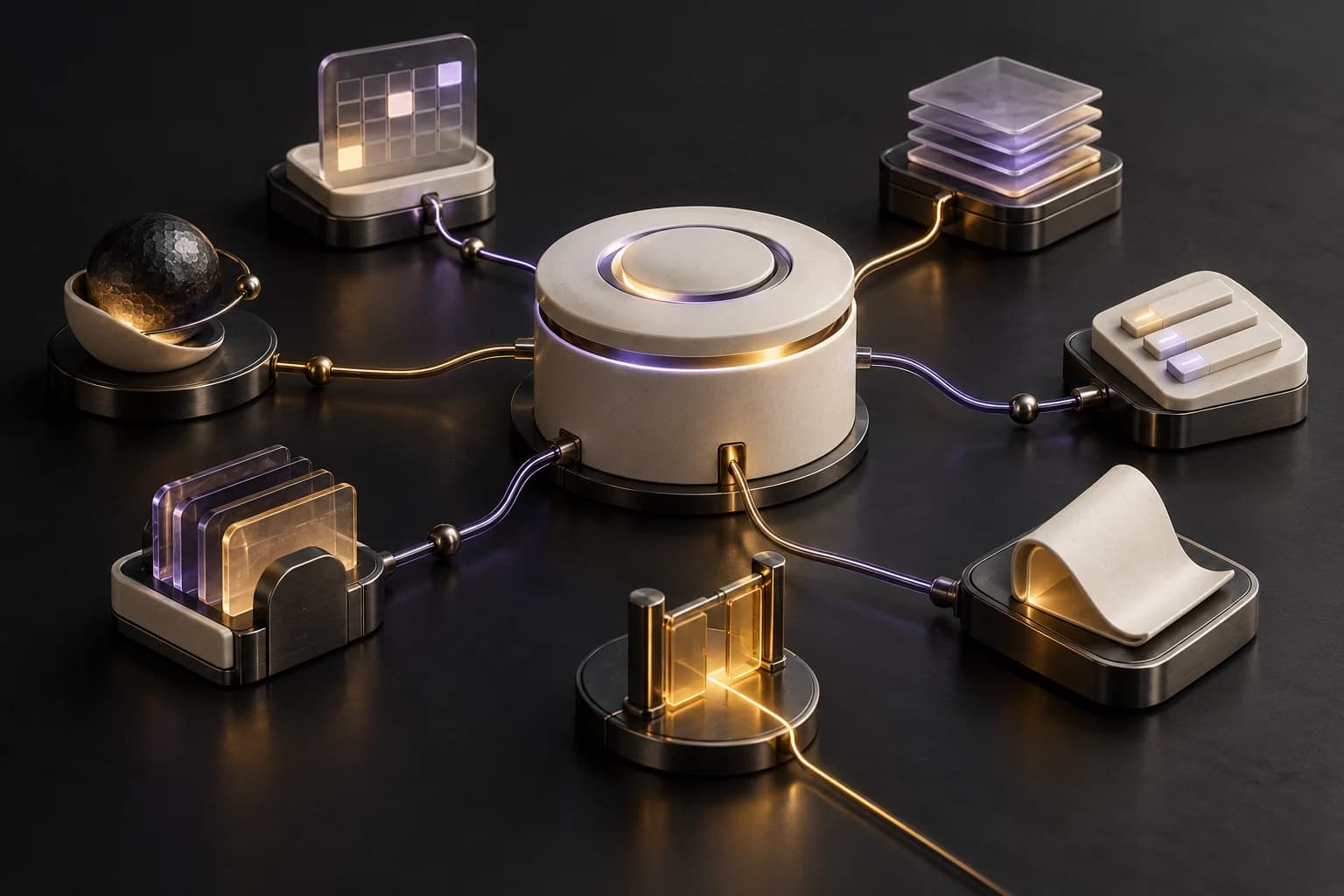
NORA brings scheduling, tasks, information and follow-up into an assistant architecture. Behind the chat are specialized workflows, persistent records and an approval engine for actions that require human control.
- developed workflows
- 9
- nodes in the central chat
- 75
- specialists in the core design
- 7
The challenge
Personal and work information is spread across messages, email, calendars and project notes. A useful assistant needs to preserve context, organize records and know when to ask before acting.
The solution
I designed NORA as a modular system in n8n with a central chat, a specialist-agent architecture, Supabase persistence, Gmail and Google Calendar integrations, and separate workflows for input, summaries, automation proposals and error handling.
How the system connects
- Chat / authorized input
- Context and memory
- Tools and specialists
- Permission check
- Action, record and follow-up
Simplified explanation of the architecture; this diagram does not execute the agent.
Documentary material
Real project screenshots
Developed functions
Central chat and orchestration
A shared assistant interface with tools and context. The core design separates finance, scheduling, projects and tasks, communications, personal life, reports and coordination into seven specialist roles.
Memory and context
Recent conversation context, persistent facts, behaviour patterns and learned profiles that can be reviewed and corrected by the owner.
Scheduling with approval
Reads the calendar and routes proposed event creation, changes and cancellations through authorization and validation before execution.
Tasks and projects
Records proposed tasks, queries priorities and organizes projects and organizations. Controlled changes are routed through the permission engine.
Email and drafts
Searches authorized email, prepares Gmail drafts and separates preparation from sending an approved message.
Financial records
Registers income and expenses, imports eligible notifications from authorized email, checks for duplicates and produces summaries. It does not execute bank transfers or payments.
Audio, images and documents
Dedicated gateway branches for audio transcription and image/document analysis, with previous integration tests covering audio, images, PDF and text.
Activity and wellbeing
An activity timeline and tools for recording and reviewing habits, sleep and meals alongside daily summaries.
Contacts and relationship context
Connects contact context, organizations, projects and documents. The WhatsApp observer collects context for private review rather than automatically replying to third parties.
Proactive summaries
A separate workflow prepares and stores morning, end-of-day and weekly briefs. External delivery depends on the configured channel.
Supervised automation builder
Builds inactive workflow drafts from approved, restricted blueprints. Activation remains a separate supervised step.
Permissions and traceability
Validates approved actions, records outcomes and failures, and includes an error-handler workflow. The design accounts for repeated requests and incomplete actions.
Additional prepared modules
The dashboard, technical monitor and location receiver have their own workflows. These three workflows were inactive in the reviewed snapshot.
Nine workflows, separate responsibilities
| Workflow | Responsibility | Reviewed status |
|---|---|---|
| Chat | Conversation, tools and permissions | Active |
| Core | Specialist design, memory and financial ingestion | Active; some branches disabled |
| WhatsApp Gateway | Authorized input and passive context collection | Active · Passive observer |
| Proactive Briefs | Stored morning, daily and weekly summaries | Active |
| Automation Builder | Restricted, inactive workflow drafts | Active · Supervised |
| Error Handler | Error records for review | Active |
| Technical Monitor | Checks for authorized technical targets | Inactive |
| Location Ingest | Authorized location-event receiver | Inactive |
| Dashboard | Read-only overview | Inactive |